 How-to
How to Prevent Inventory Data Loss as a Reseller?
Quick Summary
Inventory data loss happens through small gaps, not one big crash: items logged in too many places, skipped records during busy days, and partial sets never linked together. Prevent it by keeping one reliable record per box, giving every piece of a set the same set ID, and updating locations the moment a box moves.
- Give every box its own unique ID and record instead of grouping boxes into one line.
- Link all pieces of a partial set under one set ID with a piece number, such as 1 of 3.
- Back up records on a fixed schedule and export them as CSV or XLSX files.
- Run a ten-minute weekly count on one shelf or set to catch mismatches early.
- Update both records on the same day when you match a missing piece with another reseller.
Table of Contents
- Why Inventory Data Loss Hits Pallet Resellers Hardest
- Choosing Between a Spreadsheet and Dedicated Inventory Software
- Building a Single Item Record for Every Pallet Box
- Managing Partial Inventory Sets Without Losing Track
- Backing Up Your Data and Keeping It Portable
- Running Regular Counts to Catch Errors Early
- Clearing Storage Space Fast Without Losing Records
- Setting Up Your Tracking System Before Your Next Pallet Buy
- Frequently Asked Questions
How to Prevent Inventory Data Loss
Last Updated: October 30, 2026
Pallet resellers lose money in a quiet way. A box gets logged on Monday, relabeled on Wednesday, and by Friday nobody can say which of the twelve boxes on the back wall still holds the missing charger. Inventory data loss rarely happens in one dramatic crash.
Here is the core idea. Your inventory data is only as useful as the information someone can find when they need it.
Why Inventory Data Loss Hits Pallet Resellers Hardest
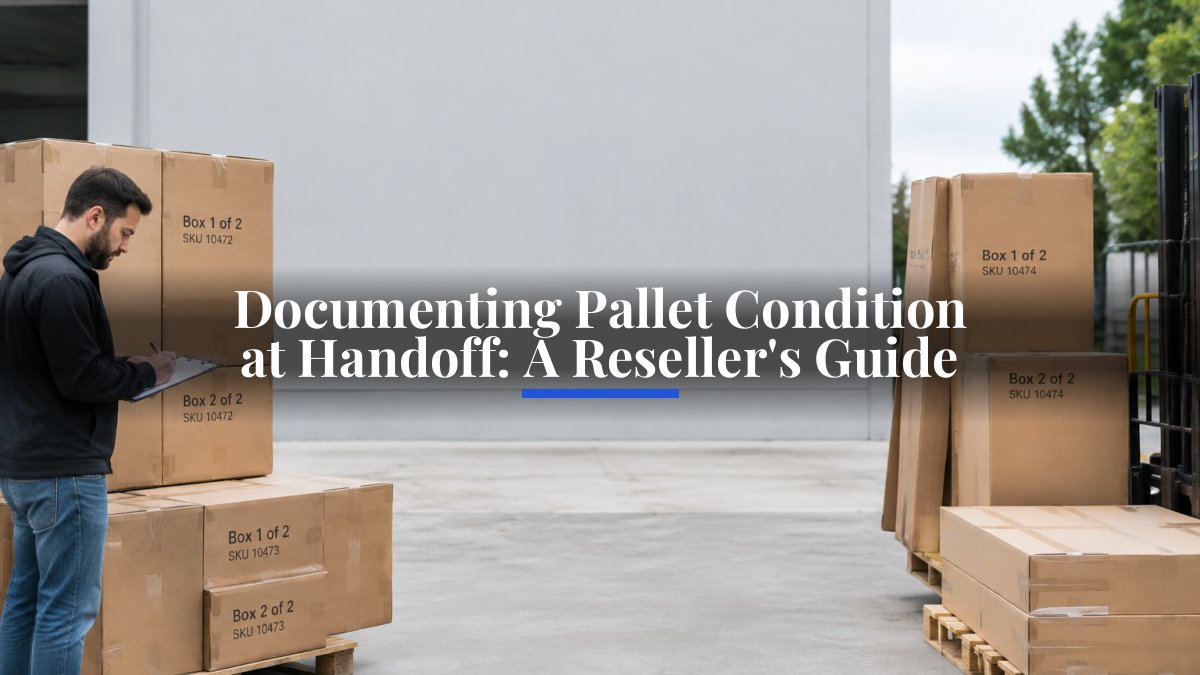
Pallet buyers handle many items at once, often from one source, with little detail on each piece. A single pallet can hold dozens of boxes with no shared label, and a partial set may be split across several pickups.
Most data loss comes from three habits:
- Recording items in too many places. A note on a phone, a photo in a camera roll, and a line in a notebook rarely match.
- Skipping the record when things are busy. Unlogged boxes are the first to disappear from view.
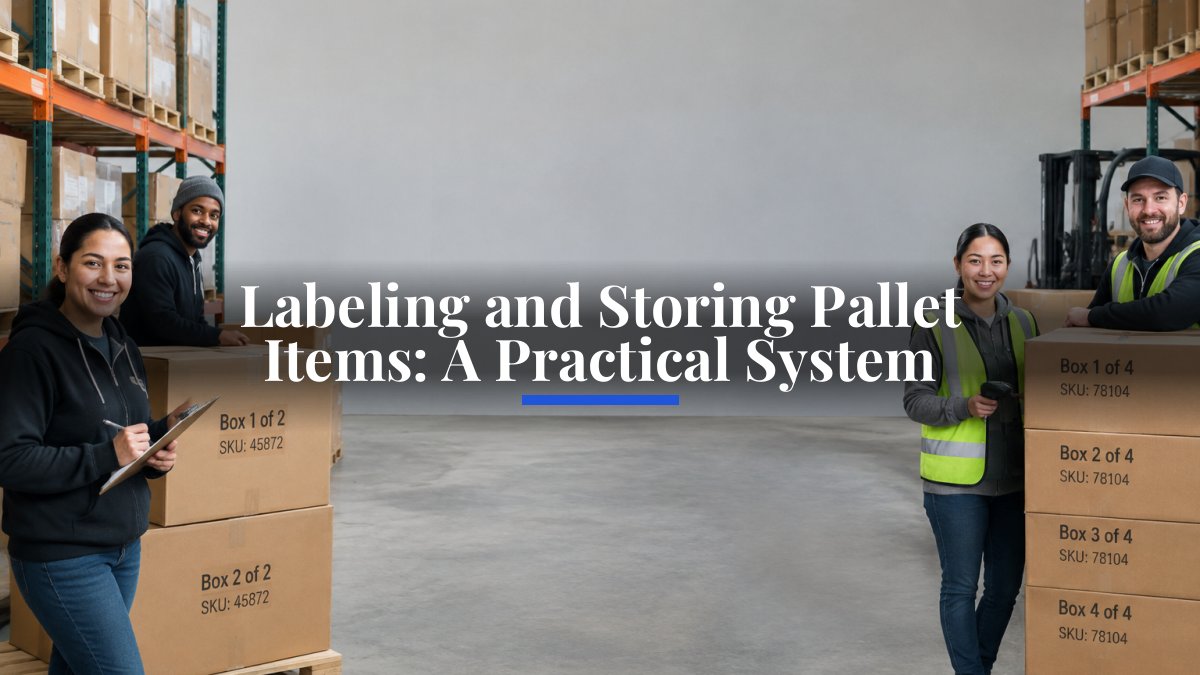
- Losing track of partial sets. A box marked "Box 1 of 2" means nothing if the second box is not linked to it.
Fixing this does not require big changes. It requires one reliable record that you update every time a box moves.
Choosing Between a Spreadsheet and Dedicated Inventory Software
A spreadsheet is the cheapest place to start. It is free, flexible, and most people already know how to use one.
Spreadsheets start to fail when:
- You have more than a few hundred items.
- Two people edit the file at once, and one version overwrites the other.
- You need to see which boxes are still listed online and which have already sold.
- You are coordinating a partial-set match with another reseller and need both people to see the same status without emailing files back and forth.
Dedicated inventory tools can handle these problems better, though they add a learning curve and sometimes a cost. Check any free plan limits before committing.
What to evaluate for a pallet-reseller workflow
Rather than comparing brand names, compare capabilities. The features that matter most for individual pallet buyers are:
- Set linking. Can the tool link "Box 1 of 3" to "Box 2 of 3" and "Box 3 of 3" under one set ID, so you can see at a glance which pieces are still missing?
- Status flags for partner matching. Can you mark a piece as "available for local match" so it stays visible when another reseller contacts you about completing a set?
- Location fields. Does it let you record aisle, shelf, or bin so you can physically pull the right box when a buyer meets you in person?
- Cost and sale tracking. Can you record purchase cost per box and the final sale price, so you know whether a matched set actually made money after the effort of finding the other half?
Quick comparison
| Option | Best for | Main risk |
|---|---|---|
| Paper notebook | Very small stock, quick notes | Lost or damaged pages |
| Spreadsheet | Under a few hundred boxes | Version conflicts, manual errors |
| Dedicated inventory software | Growing volume, multiple sales channels, active set matching | Cost and setup time |
Whichever you choose, pick one main system. Duplicate records are a common source of confusion.
Building a Single Item Record for Every Pallet Box
Each box needs its own record. Grouping "Pallet 14, boxes 1 to 20" into one line makes it impossible to track what sold.
A solid item record includes:
- A unique ID or number you assign to the box
- The source pallet and the date received
- A short description and the condition you noted
- Storage location (aisle, shelf, or bin)
- Purchase cost, so you can work out profit later
Put a matching label on the physical box, and keep the same ID on the record. When you move the box, update the location in the same moment. Waiting until the end of the day is how records drift.
Managing Partial Inventory Sets Without Losing Track
Partial sets need extra care. A box labeled "Box 2 of 3" is only useful if the record shows that Box 1 and Box 3 exist, where they are, and whether they are still for sale.
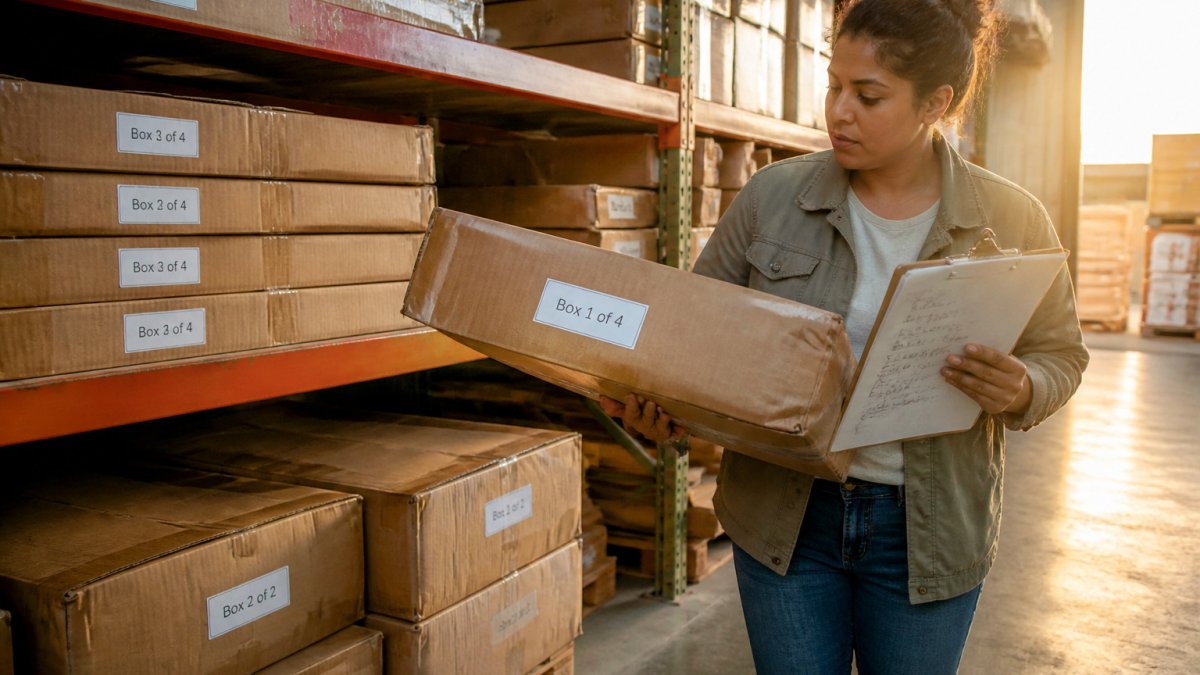
Try these steps:
- Give every piece of a set the same set ID.
- Record the piece number, such as "1 of 3."
- Mark the set as partial until all pieces are in hand.
- Note the condition of each piece separately, since one damaged piece can change the whole set's value.
- Flag sets you plan to match with another reseller, so they stay visible in your list. For a full approach, see matching stranded pieces with other resellers.
Once you find a local partner who has the missing pieces, update both records on the same day. You can also learn how to grade condition, price strategically, and connect locally for incomplete sets.
Backing Up Your Data and Keeping It Portable
Losing a laptop should not mean losing your whole inventory. Keep at least two copies of your records in two different places. A cloud account and an external drive work well together.
Good habits:
- Back up on a fixed schedule, such as every Friday.
- Export your data as a spreadsheet file (CSV or XLSX) so you can move it if you switch tools.
- Keep the backup somewhere you can open it without the original software.
- Test a restore now and then, so you know the backup actually works.
Portable data also protects you if you ever change systems. Ask any new tool whether it lets you export everything before you commit.
Running Regular Counts to Catch Errors Early
A physical count shows you where your records and your shelves disagree.
Cycle counts versus full counts
A cycle count is a small, rotating check, one shelf, one bin, or one set ID at a time.
How to count well
- Compare the physical box to the record, including ID, condition, and location.
- For partial sets, confirm every piece number is present and that the set status still says "partial" or "complete" correctly.
- Write down every mismatch, even small ones.
- Fix the record first, then find out why it went wrong. Common causes include skipped logging, boxes moved without updating the location, and a piece sold or traded to another reseller without the set record being updated.
- Track how many errors you find each count. A falling number means your habits are working.
Duplicate detection
Duplicates are the quiet killer of pallet inventory. The same box gets logged twice under two IDs, or two pieces of the same set get recorded as separate items. During a count, look for:
- Two records with the same description and the same location.
- Two records with the same set ID and the same piece number.
- A record marked "sold" that still has a physical box on the shelf.
When you find a duplicate, merge the records under the older ID and note the merge date.
Resolving discrepancies
When the shelf and the record disagree, decide which one is true before you change anything.
A ten-minute weekly routine
- Pick one shelf or one set ID.
- Pull each box and read its label against the record.
- Flag any partial set that is now complete, and update its status.
- Note any piece you have promised to another reseller, so it does not get sold twice.
- Log the count date and the number of errors found.
A count does not need to take long.
Clearing Storage Space Fast Without Losing Records
Sometimes you need to empty a shelf quickly. The temptation is to sell or discard boxes without updating anything. Resist that. A fast clear-out still needs a record for each box that leaves.
A simple process:
- Sort boxes into keep, sell, and partner-match piles.
- Update the status of each box before it moves.
- Mark sold items as sold, with the date and sale price.
- Log any items given away or discarded, so the numbers still add up.
- Review the partner-match pile first, since those pieces may complete a set someone else needs. Learn which items to split and bundle through local resellers before you decide.
A record that says "discarded" is far more useful than a missing record. It tells you exactly what happened.
Setting Up Your Tracking System Before Your Next Pallet Buy
The best time to set up a system is before the next pallet arrives. Here is a short setup path:
- Choose your tool. Pick a spreadsheet or dedicated software and check its limits.
- Create your fields. Set up ID, source, condition, location, cost, and status.
- Make a labeling routine. Print or write the ID on each box as it comes off the truck.
- Set a weekly review. Block 30 minutes to check records, back up files, and run a count.
- Log the first pallet fully. Use it as a test run before scaling up.
Once the system runs for a few weeks, you will know what to adjust. Keep the core habit simple: every box gets one record, and every move gets logged.
Start your next pallet with a clean record, and find the other half of your partial sets through Find The Other Box.
Frequently Asked Questions
What is the most common cause of inventory data loss for small resellers?
For most small resellers the biggest cause is a single unbacked spreadsheet or a phone-based note that holds all item records, combined with inconsistent entry. When a laptop fails, a file is overwritten, or a shared file gets edited by mistake, the record of what each pallet box contained and what it cost can disappear at once. Keeping one primary record, saving dated copies, and entering each item the same day it arrives prevents most of these losses.
How can I keep track of partial inventory sets effectively?
Give every box in a set a consistent identifier such as "Box 1 of 3" and record the set name, the total number of boxes expected, and which ones you hold. Note the condition and cost basis of each box separately so you know what you have already paid for. Review the set record whenever you add or sell a box, so you always know which pieces are still missing and whether a matching partner is worth contacting.
Should I use a spreadsheet or inventory software to prevent data loss?
A spreadsheet is free and easy to start with, but it offers little protection against accidental edits or overwrites unless you keep version history and backups. Dedicated inventory software typically stores records in the cloud and tracks changes, though features and pricing vary by provider and plan, so check current terms before committing. Many resellers start with a spreadsheet and move to software once their item count grows.
How does poor inventory tracking affect my ability to resell liquidation stock?
When records are missing or wrong, you may not know which boxes you actually hold, which leads to listing items you cannot ship, double-selling the same component, or passing on a matching partial set you could have completed. Lost cost records also make it hard to judge whether a sale was profitable. Accurate records let you move stock faster and make better decisions about which partial sets to pursue.