 How-to
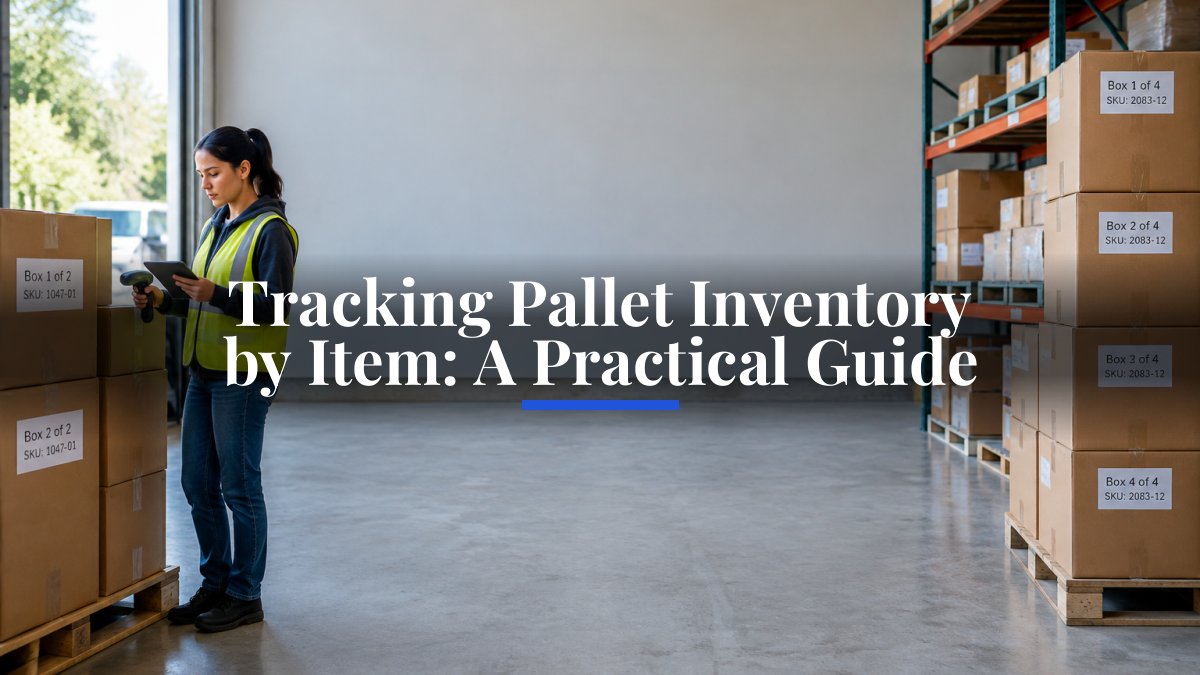
Tracking Pallet Inventory by Item: A Practical Guide
Quick Summary
To track pallet inventory by item, create one record per pallet, log each item on its own row with name, SKU, quantity, and condition, and assign a bin code that matches the physical bin. Log every add, remove, split, or merge in a transaction log so counts stay accurate before a meetup.
- Give each pallet a number like P-001 and record its date and source.
- Record each item on its own row with name, SKU, quantity, and condition.
- Mark set status as C for complete, NP for needs partner, or P1/2 for part one of two.
- Match each bin label to its spreadsheet row using a consistent bin code.
- Log every transaction with date, action, quantity, and buyer reference to prevent disputes.
Table of Contents
- Tracking Pallet Inventory by Item: A Practical Guide
- Why Item-Level Tracking Matters for Individual Pallet Buyers
- Manual vs. Digital Tracking: Choosing a Method for a Small Operation
- Step-by-Step: Organizing Item Data for Each Pallet
- Pallet Labeling System: Marking Items So You Can Find Them Again
- Barcode Inventory Tracking Without Expensive Hardware
- Tracking Individual Items in Bulk Inventory When Pallets Are Split
- Verifying Your Inventory Before a Set-Matching Meetup
- Frequently Asked Questions
Tracking Pallet Inventory by Item: A Practical Guide
Last Updated: November 15, 2026
Why Item-Level Tracking Matters for Individual Pallet Buyers
Resellers who buy a pallet, sort it, and then need to match missing pieces with another reseller often meet in person to make the exchange. Once you start matching sets, you need clear pallet inventory records showing exactly what is in each bin. Without item-level records, you end up digging through boxes every time a buyer asks a question.
Most pallet buyers start with a rough count and a guess. That works for a handful of items. It breaks down fast when you have 200 pieces across six bins and a buyer wants to meet tomorrow.
Item-level tracking means recording each product separately. You note what it is, its condition, its quantity, and where it sits. When a buyer asks, "Do you have the second half of this set?", you can answer in seconds.
Item-level tracking helps you:
- Answer buyer questions without searching
- Spot which pieces are missing their partner
- Avoid selling the same item twice
- Price each piece based on real condition
Manual vs. Digital Tracking: Choosing a Method for a Small Operation
You have two basic options: pen and paper, or a digital record. Neither is wrong. The right choice depends on how many pallets you handle and how often you meet buyers.
Manual tracking works well if you handle one or two pallets a month. A notebook or a printed spreadsheet is cheap and easy to start. The downside is that paper gets lost, smudged, or left in the truck.
Digital tracking works better once you run several pallets at a time. A simple spreadsheet on your phone lets you search by name or bin number. It also lets you update a quantity in seconds after a sale.
A common mistake is building a complicated system before you need one. Start with a single spreadsheet (Use Making Tax Digital for Income Tax - Create digital records - Guidance). Add more columns only when you find yourself looking for information it does not hold.
Step-by-Step: Organizing Item Data for Each Pallet
Follow these steps for each new pallet. The goal is a record you can trust during a meetup, not a warehouse-grade system. You are tracking items so you can match sets with another reseller in person, so every field should help you answer a buyer's question or confirm a swap on the spot. When pallets move into storage, keeping the same item-level details tied to each location makes it easier to find a set and confirm a swap, whether the space is at home or Urban Self Storage.
- Create one record per pallet. Give it a number, the date received, and the source. Use a simple format like
P-001and keep a running list of pallet numbers so you never reuse one. - Sort the items into groups. Group by brand, category, or likely set. If a pallet contains mixed SKUs, keep each SKU in its own group and note the group on the pallet record.
- Record each item on its own row. Include the product name, model or SKU, quantity, condition, and a short description. For mixed-SKU pallets, one row per SKU per bin is enough; you do not need one row per individual unit unless the item is serialized or high-value.
- Note the set status. Mark each item as complete, or as "Box 1 of 2" if it needs a partner. Use a consistent code:
Cfor complete,NPfor needs partner,P1/2for part one of two. - Assign a bin code. Match the code on the bin to the code in your record. A bin code like
B3should appear on both the physical bin and the spreadsheet row. - Log every transaction. When you add, remove, split, or merge items, add a line to a transaction log with the date, action, quantity, and a reference (buyer name, meetup location, or trade ID). This is the step most resellers skip, and it is the one that prevents disputes.
- Update the record after every sale or swap. Change the quantity right away, and mark the transaction as closed once the exchange is confirmed in person.
Keep your columns short and consistent. A good starting set is: Pallet ID, Bin Code, Item, SKU/Model, Quantity, Condition, Set Status, Transaction Log Ref, and Notes. If you use a spreadsheet, freeze the header row and add a filter so you can sort by set status or bin code before a meetup.
Watch out: If you record only the quantity and not the transaction log, you will not be able to tell whether a missing item was sold, traded, or simply misplaced during a sort.
Each pallet needs one record and a consistent set of fields so you can answer buyer questions quickly.
| Step | What to do | Timing |
|---|---|---|
| Create pallet record | Assign a number like P-001, note date and source | When pallet arrives |
| Sort into groups | Group by brand, category, or likely set | During sort |
| Record each item | Log name, SKU, quantity, condition on its own row | During sort |
| Set status | Mark C, NP, or P1/2 | When recorded |
| Assign bin code | Match bin label to spreadsheet row | When binned |
| Log transactions | Note date, action, quantity, and reference | Every add, remove, split, or merge |
| Update after sale | Change quantity and close the exchange | After each sale or swap |
Pallet Labeling System: Marking Items So You Can Find Them Again
Labels are the link between the paper record and the physical item. Use a simple code that you can read quickly.
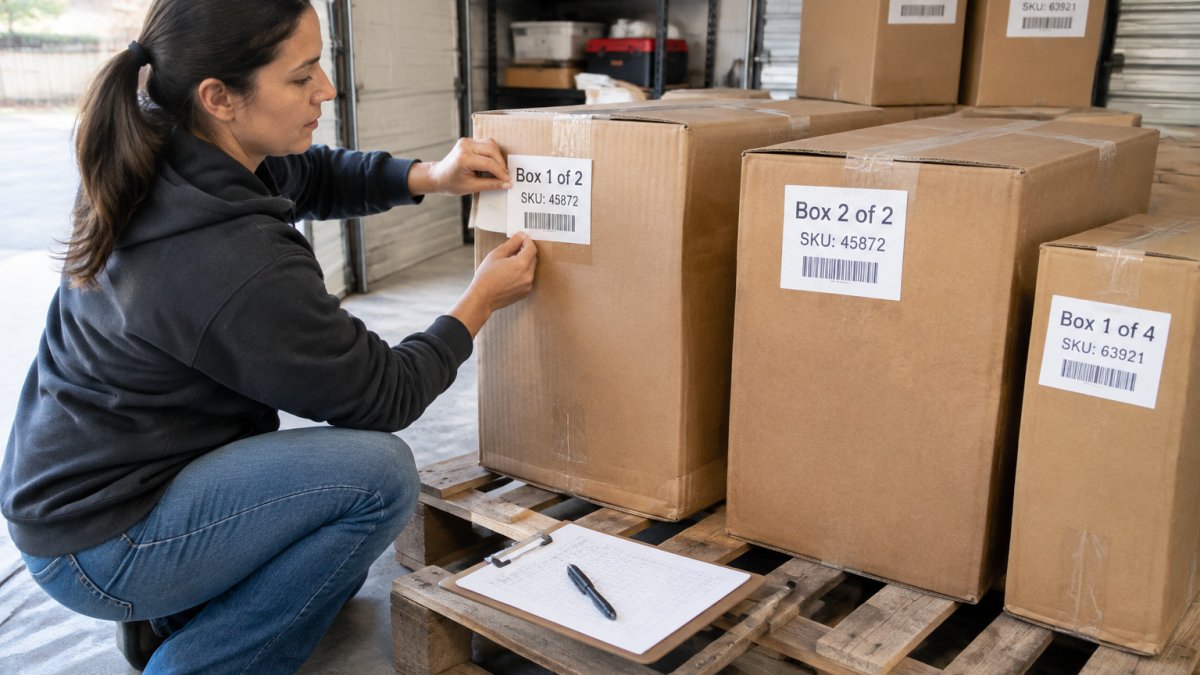
A useful pattern is: pallet number, then bin number, then item number. For example, "P12-B3-07" means pallet 12, bin 3, item 7. Write the code on a sticker and place it on the box or bag.
For unpaired pieces, add a small "NEED PAIR" tag. This makes unmatched items easy to spot when you sort a bin.
Keep label colors consistent too. Use one color for complete items and another for items that need a partner. You can see the status at a glance from across the room.
Barcode Inventory Tracking Without Expensive Hardware
You do not need a barcode scanner to track items. Many resellers use free apps on a phone to scan product codes and save them to a list.
Many phones can read QR codes that you generate yourself. Print a code for each bin and link it to your spreadsheet row. Scanning the code then opens the item record.
Barcode tracking saves time when you have many similar items. It also reduces typing errors. Still, a clear written label works fine for a small operation.
Tracking Individual Items in Bulk Inventory When Pallets Are Split
Pallets rarely stay whole. You may sell half a pallet to one buyer and keep the rest for a set match. Plan for this before you split anything.
When you split a pallet, record the change right away. Note which items left, the quantity, and the buyer's name or reference. Then update the remaining quantity.
Mixed-SKU pallets need extra care. Group items with the same SKU together, and track each group's count separately. This prevents you from promising a buyer an item you no longer have.
Watch out: Splitting a pallet without updating the record is the fastest way to end up short during a meetup.
Verifying Your Inventory Before a Set-Matching Meetup
Before you meet another reseller, confirm what you are bringing. A short check takes ten minutes and prevents most disputes. This is your version of a cycle count: you are comparing the physical items in the bin against your record, one bin at a time, and fixing any gap before it becomes a problem at the meetup.
Use this checklist:
- Confirm the item name and model match your record
- Count the quantity in the bin against your spreadsheet
- Check that the condition matches what you described
- Verify the set status label (complete or needs partner)
- Bring a printed copy of the items you plan to exchange
- Agree on the exchange terms in writing before you meet
If the count does not match, do not guess. Work through these steps in order:
- Check the transaction log first. Look for a recent sale, trade, or split that explains the difference. If the log shows a removal you forgot to apply to the quantity column, correct the quantity now.
- Check the bin code. A mismatched bin code is the most common cause of a false discrepancy. Confirm the physical bin label matches the row.
- Check for mixed-SKU errors. On a mixed pallet, an item may have been moved to another bin during a sort. Search the spreadsheet by SKU or item name to see if it was reassigned.
- Mark the item as "under review" if you cannot resolve it. Do not promise it to a buyer until you have found it or confirmed it is gone. Update the set status to
NPorMISSINGso you do not accidentally offer it. - Record the resolution. Once you find the item or confirm it is missing, add a line to the transaction log with the date and the action taken. This keeps your record honest and gives you a history if a buyer asks later.
A common pattern is to run this check on the bins you plan to bring, not the whole pallet. That keeps the pre-meetup routine short while still protecting the items that matter for the exchange. If you trade often, set a recurring reminder to spot-check one bin per week so small errors do not pile up.
Meet in a busy, public place during daytime hours. Bring your records with you so both sides can confirm the match on the spot. If the other reseller brings an item that does not match your record, update the set status and transaction log before you part ways.
For current details on how matching works and what it costs, visit the Find The Other Box website.
Frequently Asked Questions
What is the easiest way to track inventory on a pallet?
For a small operation, the easiest method is a simple spreadsheet with one row per item. Record the pallet ID, a label number, the item description, condition, and quantity. Assign each pallet a short code and mark the same code on every box so you can match what you wrote down to what is physically in front of you. Update the sheet as items sell or get traded, and you will always know what you still hold.
Is there a free app I can use to keep track of pallet inventory?
Some spreadsheet and inventory apps can handle item-level tracking for a few pallets at a time. Look for one that lets you create a row per item, filter by pallet ID, and export a list you can share. Free tiers often limit the number of items or users, so check those limits against your volume. A shared spreadsheet is often enough when you are the only person editing it.
How do I track items when a pallet is split between two buyers or locations?
Before any split, export your item list and mark each line with the new pallet or buyer code. Count the items on each side and confirm the totals match the original record. Keep a copy of the pre-split list so you can resolve disputes later. When you meet another reseller to complete a set, bring a printed version of the items you are handing over with their labels.
How can I check that I have the right pieces before meeting another reseller?
Compare your item list against the set you are trying to complete, matching model numbers, labels such as Box 1 of 2, and condition notes. Photograph each item with its label visible and send the photos ahead of time. Confirm quantities and any missing components in writing, then do a final count together at the exchange before either of you leaves.